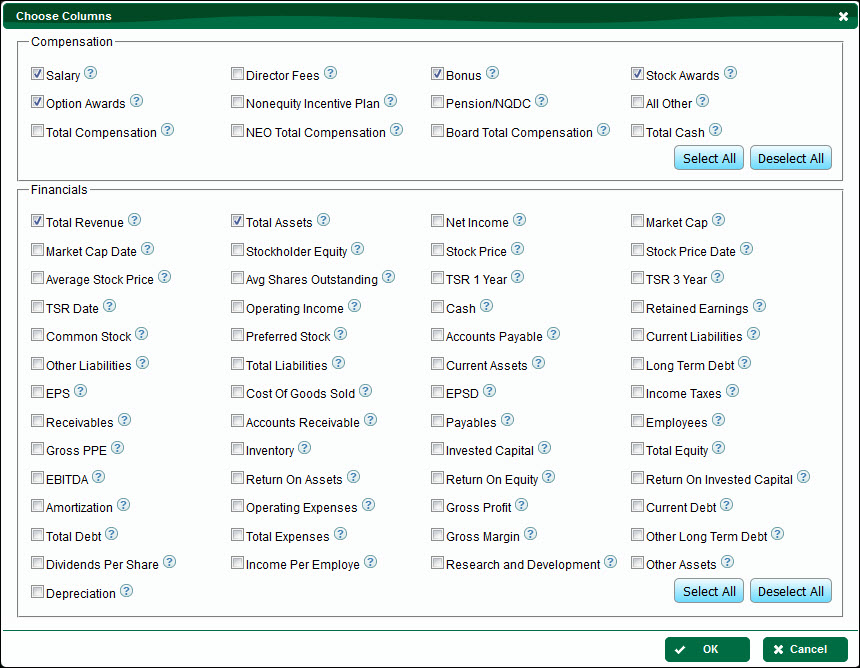
The Customize Columns feature allows the user to select individual Compensation elements and Financial metrics to be included in the Comparables table.
To Customize Columns in the Comparables Table
1.From the Comparables table, click the Customize Columns button.
2.To add a column, check the box next to a specific term listed under Compensation or Financials OR click the Select All button.
3.To remove a column, uncheck the box next to a specific term listed under Compensation or Financials OR click the Deselect All button.
To See Definitions of Terms
Click the  tool tip symbol next to a term.