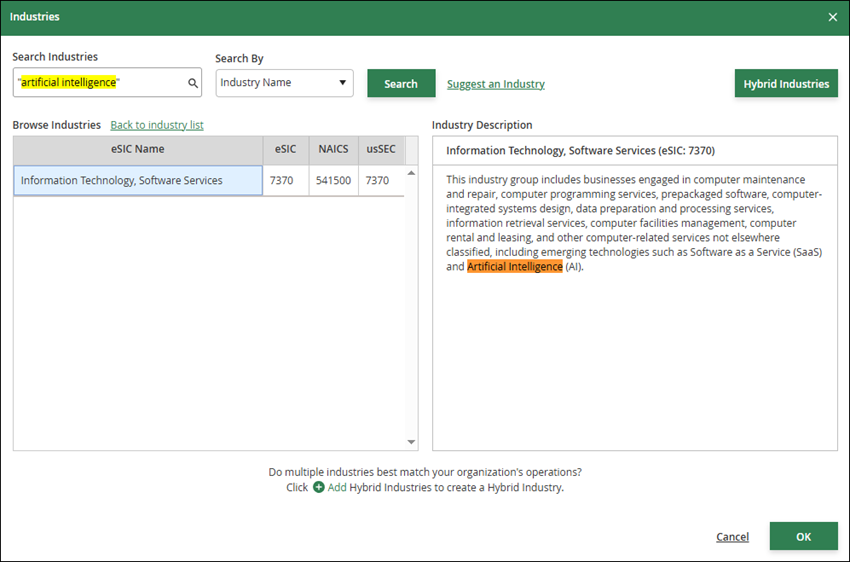
QUESTION: How do I search for an industry using keywords?
In the Industries modal, select "Industry Name" in the Search By list. Then, enter keywords in the Search Industries field. The keyword search looks for matches in both the Industry Name and Industry Description.
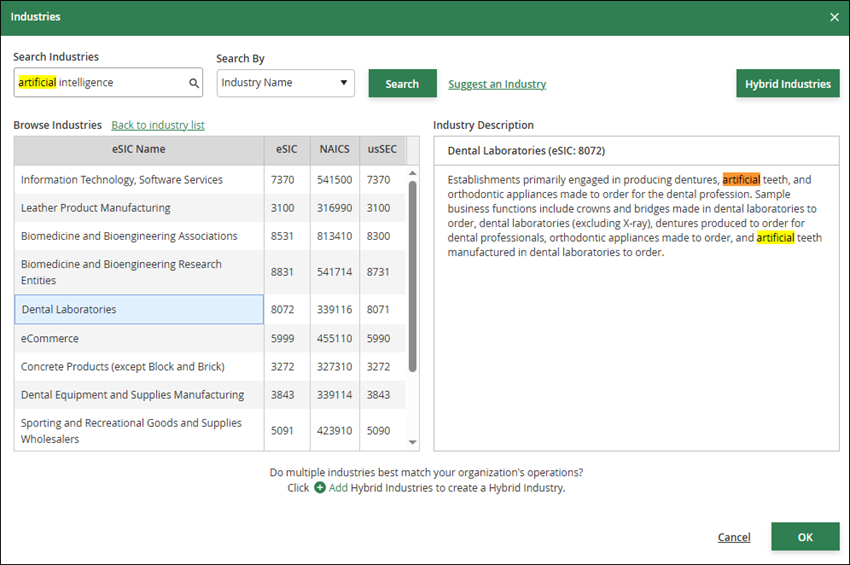
By default, keywords in a phrase are split and searched separately. For example, a search for artificial intelligence (without double quotation marks around the keyword phrase) will search for artificial or intelligence or artificial intelligence and will display results where any combination of these keywords is found.
To search for an exact phrase, wrap the keyword phrase in double quotation marks. For example, a search for "artificial intelligence" (with double quotation marks around the keyword phrase) will search for the entire keyword phrase and only display results where "artificial intelligence" is found.